2.Появление и наведение
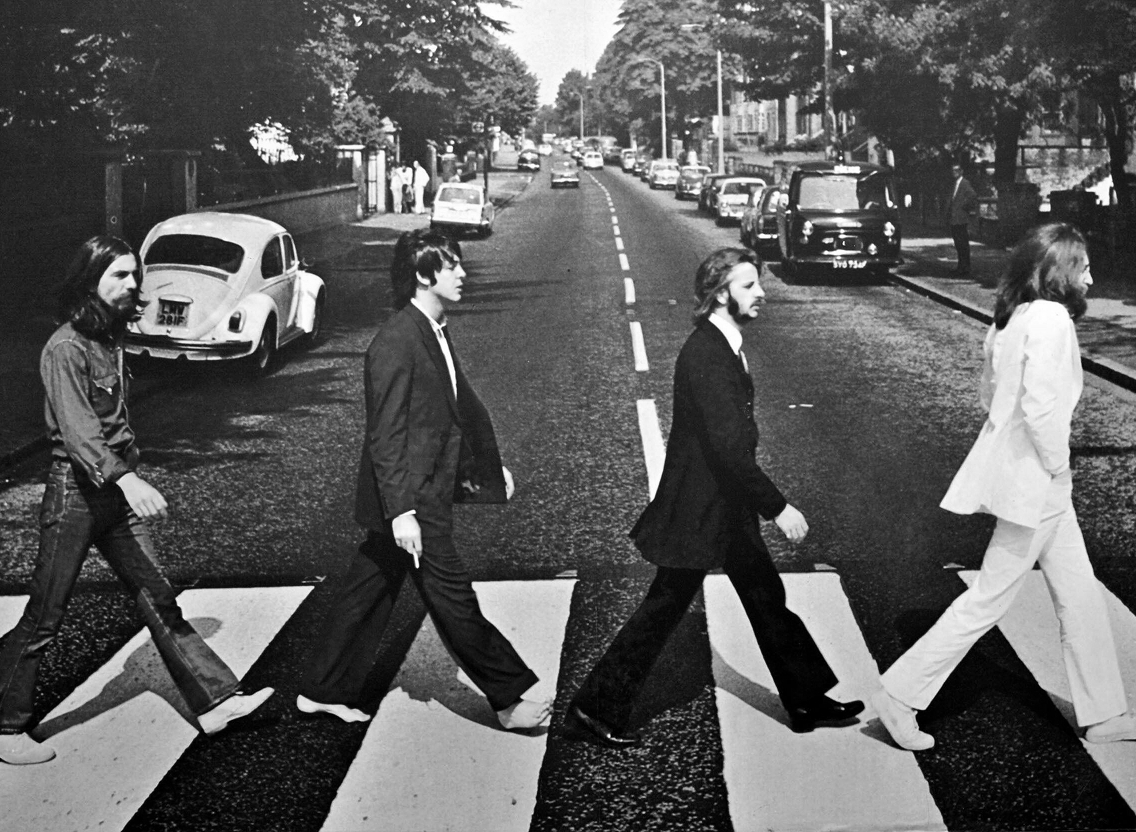
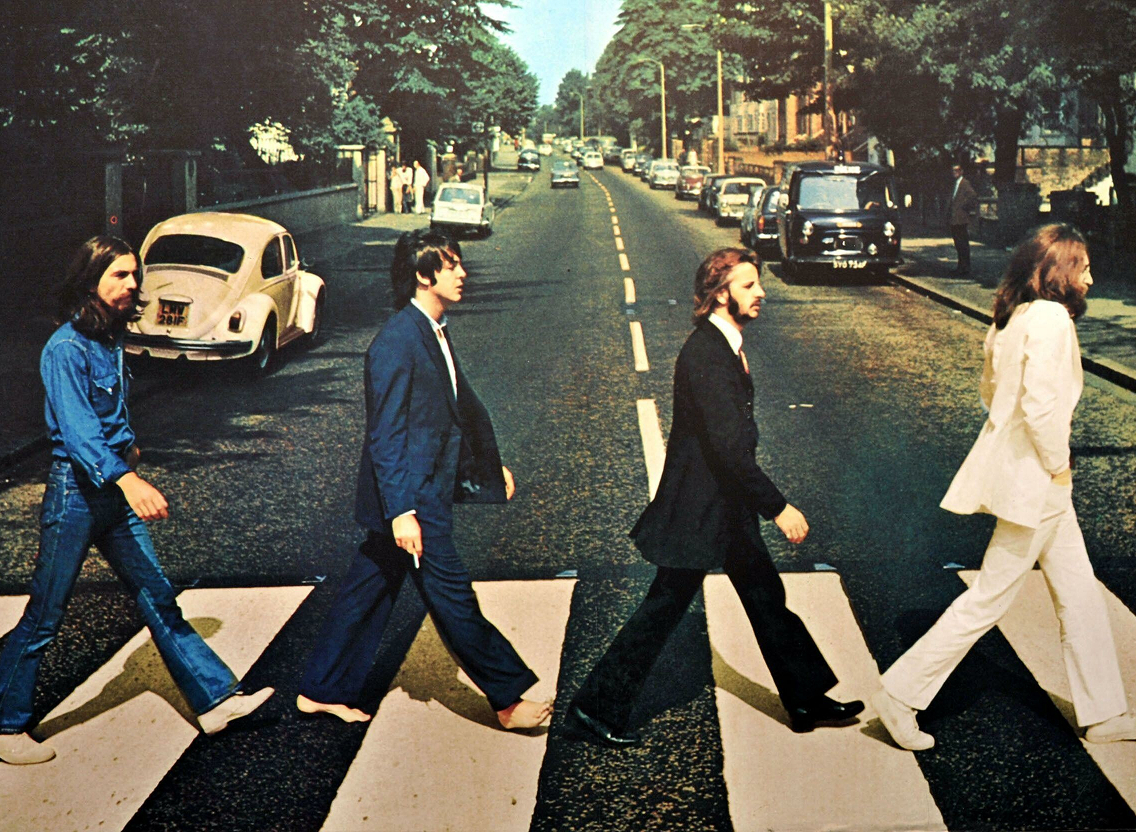
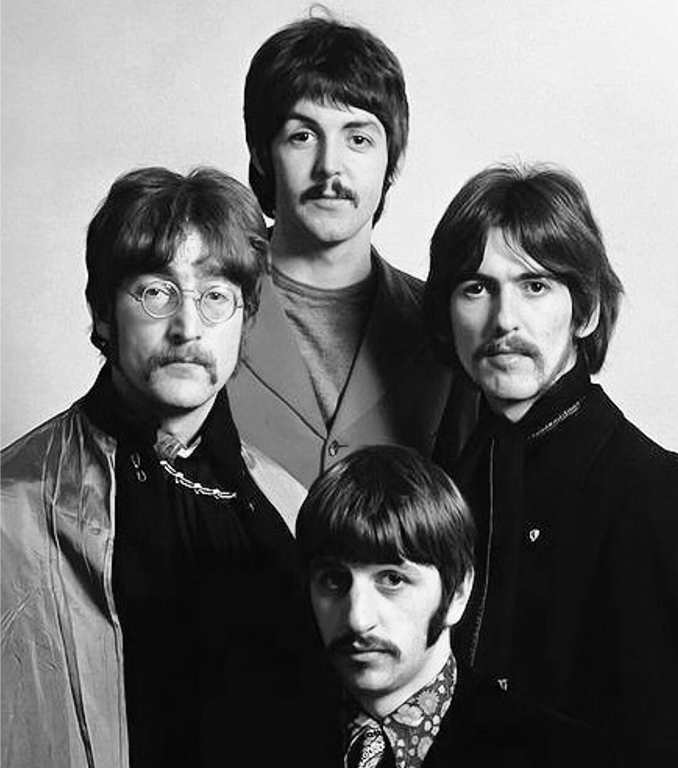
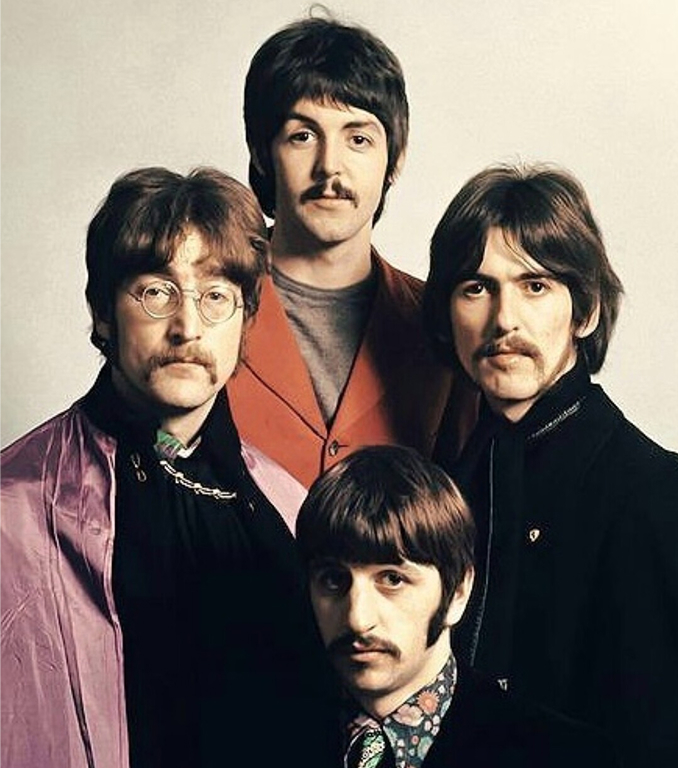
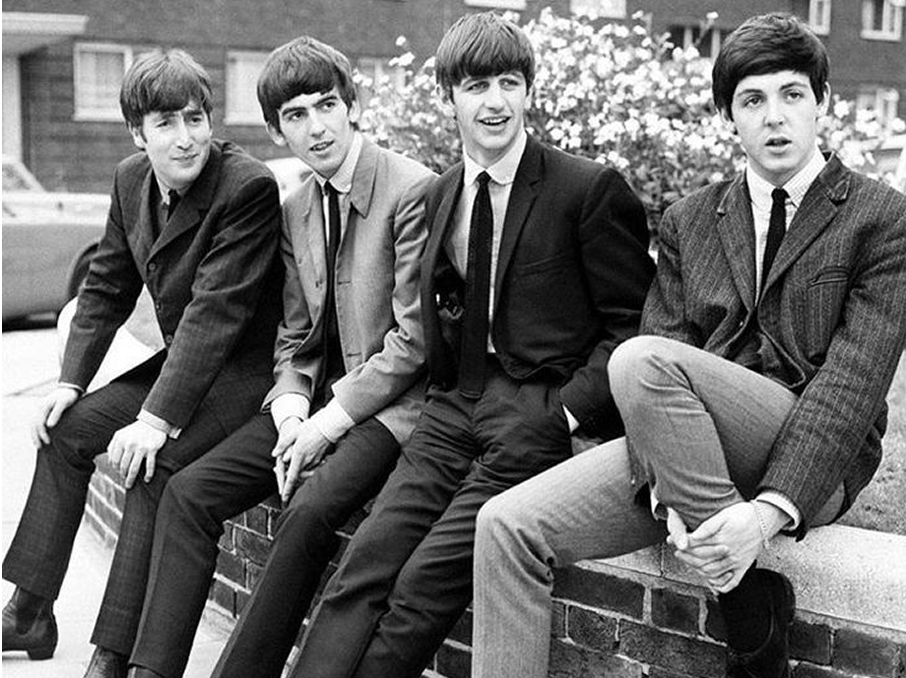
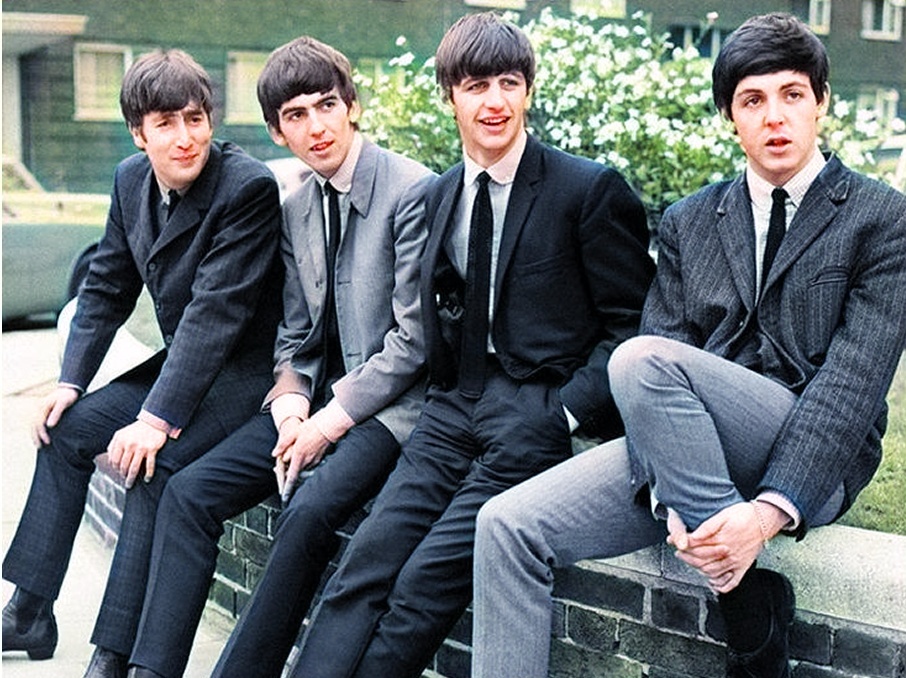
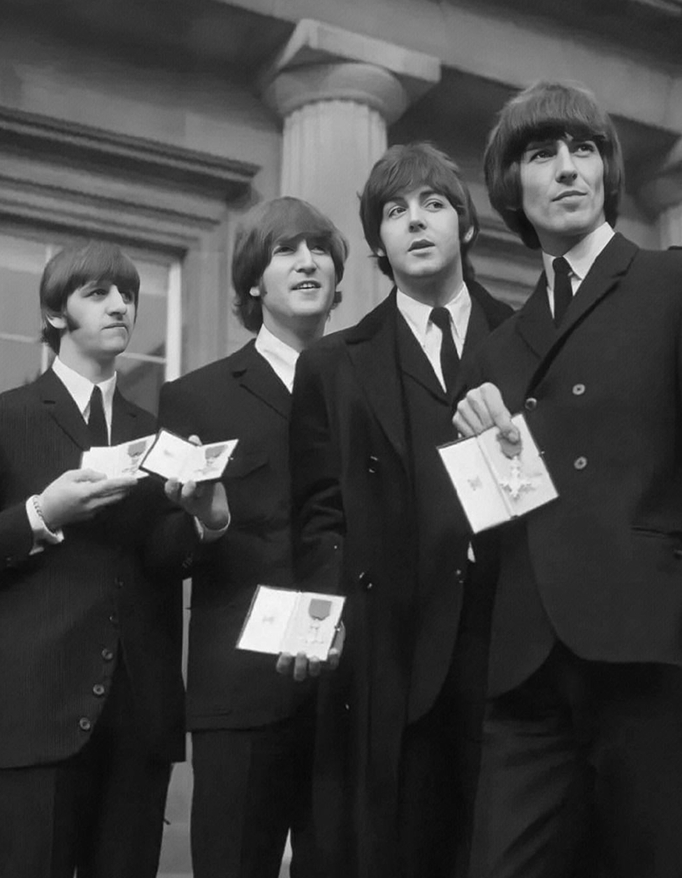

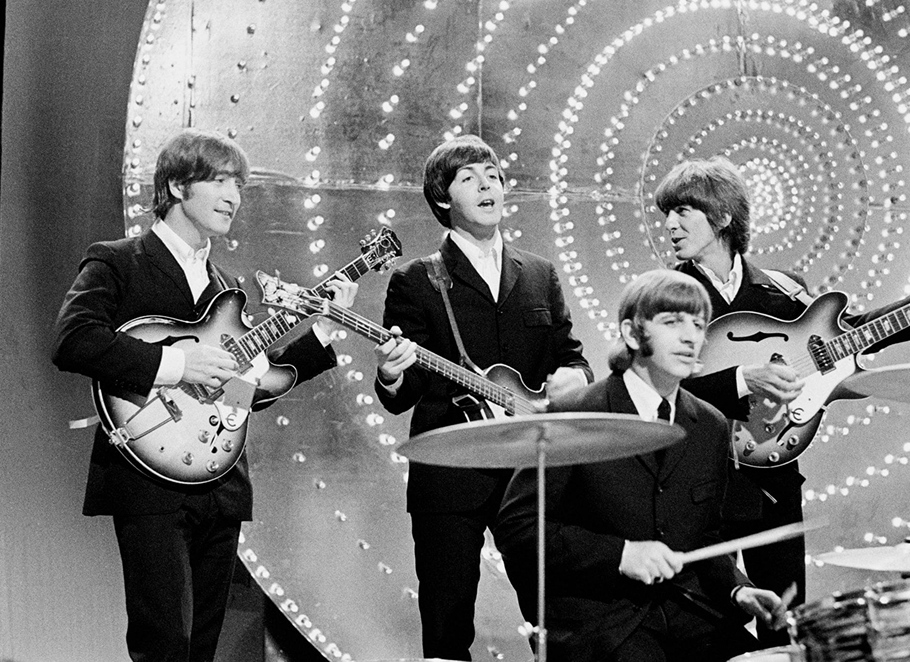


4. Фиксация фото по скролу

5. Мягкое появление текста по скролу
Click "Block Editor" to enter the edit mode. Use layers, shapes and customize adaptability. Everything is in your hands.
7. Смена радиуса у шейпа при наведении
8. Наведение + кнопка плей

9. Горизонтальный скрол
Creativity is to discover a question that has never been asked. If one brings up an idiosyncratic question, the answer he gives will necessarily be unique as well. Creativity is to discover a question that has never been asked. If one brings up an idiosyncratic question, the answer he gives will necessarily be unique as well.
АЛЬБОМ №6
АЛЬБОМ №5
АЛЬБОМ №4
АЛЬБОМ №3
АЛЬБОМ №2
АЛЬБОМ №1
10. Инверсия (в хроме работает)
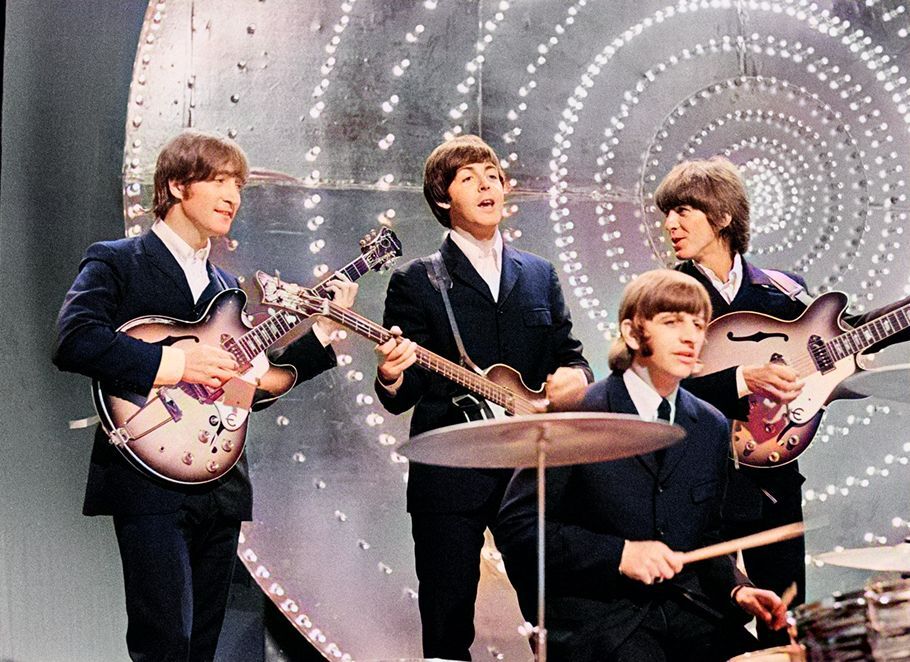
the beatles the beatles the beatles
11. Появление фото при наведении
Let It Be
1970

Abbey Road
1969
Yellow Submarine
1969
The Beatles
1968
Magical Mystery Tour
1967
Please Please Me
1963
With The Beatles
1963
A Hard Day’s Night
1964
Rubber Soul
1965
Revolver
1966
Sgt. Pepper’s Lonely Hearts Club Band
1967
Beatles for Sale
1964
Help!
1965
Дискография
12. Шторка
13. Гифка + поворот картинки
Zero Block Zero Block Zero Block
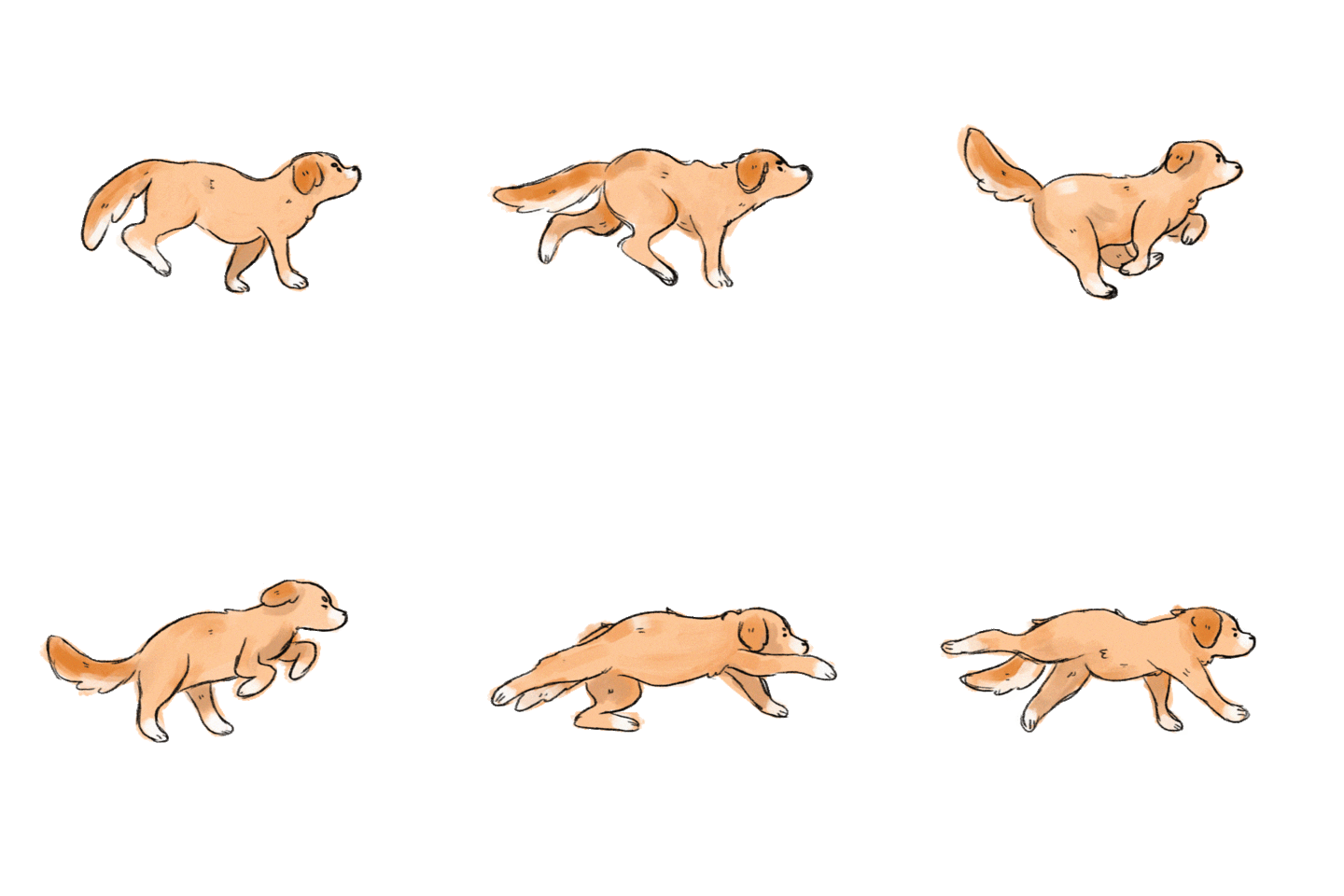
14. Перемещение элементов
Zero Block
Click "Block Editor" to enter the edit mode. Use layers, shapes and customize adaptability. Everything is in your hands.
Tilda Publishing
create your own block from scratch
15.Анимация текста
block from
scratch
create your own
16. Паралакс элементов по скролу
Zero Block
Click "Block Editor" to enter the edit mode. Use layers, shapes and customize adaptability. Everything is in your hands.
18.Параллакс при наведении
19. Тригерная анимация со списком
Creativity is to discover
Creativity is to discover
20. Аккордеон в зеро блоке
Click "Block Editor" to enter the edit mode
create your own block
Click "Block Editor" to enter the edit mode. Use layers, shapes and customize adaptability. Everything is in your hands. Click "Block Editor" to enter the edit mode. Use layers, shapes and customize adaptability. Everything is in your hands.
Click "Block Editor" to enter the edit mode. Use layers, shapes and customize adaptability. Everything is in your hands. Click "Block Editor" to enter the edit mode. Use layers, shapes and customize adaptability. Everything is in your hands.
21. Бегущая строка + переход
create your own block from scratch / create your own block from scratch / create your own block from scratch /create your own block from scratch / create your own block from scratch / create your own block from scratch / create your own block from scratch / create your own block from scratch / create your own block from scratch
22. Тригерная анимация с фото
The best ideas come as jokes
The best ideas come as jokes
The best ideas come as jokes
The best ideas come as jokes
23. Наложение блоков друг на друга по скролу
Click "Block Editor" to enter the edit mode. Use layers, shapes and customize adaptability. Everything is in your hands.
create your own block from scratch
Click "Block Editor" to enter the edit mode. Use layers, shapes and customize adaptability. Everything is in your hands.
create your own block from scratch
Click "Block Editor" to enter the edit mode. Use layers, shapes and customize adaptability. Everything is in your hands.
create your own block from scratch
Click "Block Editor" to enter the edit mode. Use layers, shapes and customize adaptability. Everything is in your hands.
create your own block from scratch
24. Фиксация карточек по скролу + наложение
There is no design without discipline. There is no discipline without intelligence.
The best ideas
There is no design without discipline. There is no discipline without intelligence.
The best ideas
There is no design without discipline. There is no discipline without intelligence.
The best ideas
There is no design without discipline. There is no discipline without intelligence.
The best ideas
There is no design without discipline. There is no discipline without intelligence.
The best ideas
